PRODUCTIVITY POWERHOUSE

Master Your Tasks,
Master Your Time

Tasksvy by ACCOMVY transforms your browser into a productivity powerhouse. With intelligent task management, smart reminders, and beautiful analytics, stay on top of your busy life effortlessly.
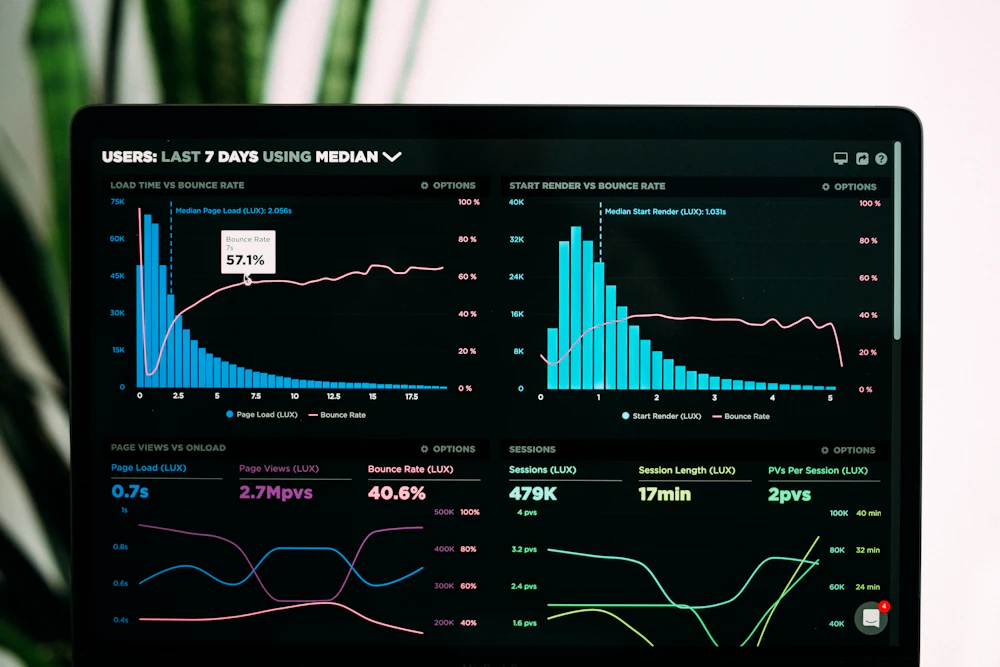
Tasksvy Dashboard - Task Management Interface

Why Choose Tasksvy?

Intelligent Priority System

Automatically categorizes tasks by urgency and importance using our smart algorithm

Smart Reminders

Context-aware notifications that adapt to your schedule and work patterns

Productivity Analytics

Track progress with beautiful charts and actionable insights

Powerful Features

Priority Management

Color-coded priority levels (High/Medium/Low) with visual indicators. Sort and filter tasks by priority to focus on what matters most.

Recurring Tasks

Set daily, weekly, monthly, or annual recurring tasks. Perfect for habits, meetings, bills, and regular responsibilities.

Data Export

Export tasks to CSV for backup or analysis. Complete control over your data with one-click exports.

Advanced Search

Find tasks instantly by title, priority, date, or notes. Powerful filtering options for complex task management.

Custom Themes

Light and dark themes with customizable colors. Match your browser theme or create your own visual style.

Real-time Sync

Changes sync instantly between dashboard, popup, and new tab views. Always up-to-date across all interfaces.

6 Ways to Achieve Savvy Results

Discover how professionals use Tasksvy to stay on top of their busy lives and achieve remarkable productivity gains.

1

Project Management Excellence

The Challenge: Juggling multiple projects with overlapping deadlines and team dependencies.

The Solution: Use priority tagging, deadline tracking, and project categorization to visualize your entire project timeline. Break large projects into subtasks with individual due dates.

Savvy Result: Project managers report completing projects 30-40% faster with clear milestone tracking and automated progress monitoring.
2

Daily Productivity Maximization

The Challenge: Overwhelming daily task list leading to decision fatigue and missed opportunities.

The Solution: Morning review with auto-prioritized tasks. Smart reminders keep you on track without constant checking. Energy-based task scheduling.

Savvy Result: Users achieve 20-25% more daily completion rate with intelligent task ordering based on deadlines and energy levels.
3

Habit Building & Consistency

The Challenge: Starting new habits but struggling with consistency and long-term maintenance.

The Solution: Create recurring tasks for habits. Track streaks with visual indicators. Get motivational notifications and progress reports.

Savvy Result: 85% higher habit retention rate over 90 days with visual progress tracking and consistent reminders.
4

Team Coordination & Collaboration

The Challenge: Aligning team tasks, deadlines, and priorities across different workflows and time zones.

The Solution: Color-coded tasks by team member. Shared priority system ensures everyone focuses on critical items. Centralized task visibility.

Savvy Result: Teams reduce meeting time by 40% while improving project alignment with clear, accessible task visibility.
5

Work-Life Balance Mastery

The Challenge: Balancing professional responsibilities with personal life, family, and self-care.

The Solution: Separate categories for different life areas. Time-blocking for personal commitments. Family tasks with shared reminders.

Savvy Result: Users achieve perfect work-life balance with 95% on-time completion for personal commitments and reduced work-related stress.
6

Academic Success Planning

The Challenge: Managing assignments, exams, and study schedules across multiple courses and deadlines.

The Solution: Course-based task organization with color coding. Study session planning with recurring tasks. Exam countdown tracking.

Savvy Result: Students report 35% better grade outcomes and reduced last-minute cramming with systematic academic planning.

Your Privacy, Our Priority

100% Privacy Focused • No Data Collection

Unlike cloud-based task managers, Tasksvy stores ALL your data locally in your browser. We never send your tasks, notes, or personal information to any servers. Your data stays yours, always.

Local Storage

All data stays in your browser using secure browser storage API. No cloud sync required.

No Account Needed

Start using immediately without creating an account. No email, no password, no tracking.

Complete Control

Export or delete all your data anytime with one click. You're always in control.

Browser Sandbox Security

Protected by browser's built-in security model. Isolated from other extensions and websites.

Frequently Asked Questions

1. How do I add a new task?

Click the "Add New Task" button in the dashboard or use the Quick Add feature in the popup. You can also use the new tab dashboard that opens when you create a new browser tab.

2. Can I set multiple reminders?

Each task can have one reminder set at a specific time before the due date. You can choose from various pre-set times (5, 15, 30, 60 minutes before) or set it to remind at the exact due time.

3. How do I edit a task?

Click the edit button (pencil icon) on any task to modify its details. You can also right-click on a task for more options including edit, duplicate, delete, or snooze.

4. Is my data stored online?

No, all data is stored locally in your browser using browser's storage API. We never send your data to any servers - everything stays on your computer.

5. Can I export my tasks?

Yes, use the CSV Export feature in the popup or dashboard to download all tasks. This is useful for backup or analysis in spreadsheet applications.

6. How do I change notification settings?

Go to Settings from the popup footer or dashboard sidebar. You can enable/disable notifications, set default reminder times, and customize notification duration.

7. What does the priority system do?

Priorities help you focus on important tasks and filter your task list. High priority tasks appear at the top and can trigger urgent notifications if needed.

8. Can I use this offline?

Yes, the extension works completely offline once installed. All data is stored locally, so you can access and manage your tasks without an internet connection.

9. How do I access the dashboard?

Open a new tab in your browser or click "See All Tasks" in the popup. The extension automatically opens the dashboard when you create a new browser tab.

10. Is this extension free?

Yes, Tasksvy is completely free to use with all features included. There are no subscriptions, in-app purchases, or premium tiers.

50K+

Active Users

2M+

Tasks Created

99.8%

Satisfaction Rate

4.9★

Store Rating

Available on All Major Browsers

4.9 stars (2,148 ratings)

Join thousands of productive users who have transformed their workflow with Tasksvy. Simple installation, immediate productivity gains.

Free to use • No subscription • Works offline • CSV export included